01 / EXIF VIEWER / VIEW, REMOVE, EDIT METADATA
Every tag your photo is carrying, and a way to remove it.
Camera, lens, shutter, aperture, ISO, timestamp and GPS coordinates are written into every photo you take. EXIF Viewer shows you all of it, lets you edit or clear it across hundreds of photos at once, and never sends a byte anywhere.


$2.99one-time
-
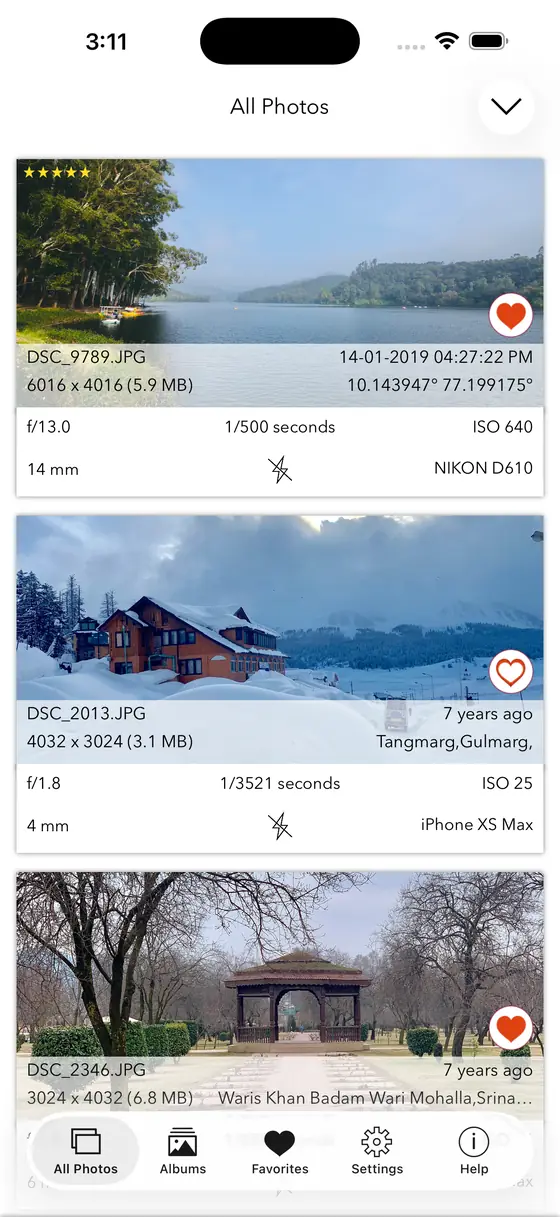
CardsEvery tag at a glance
-
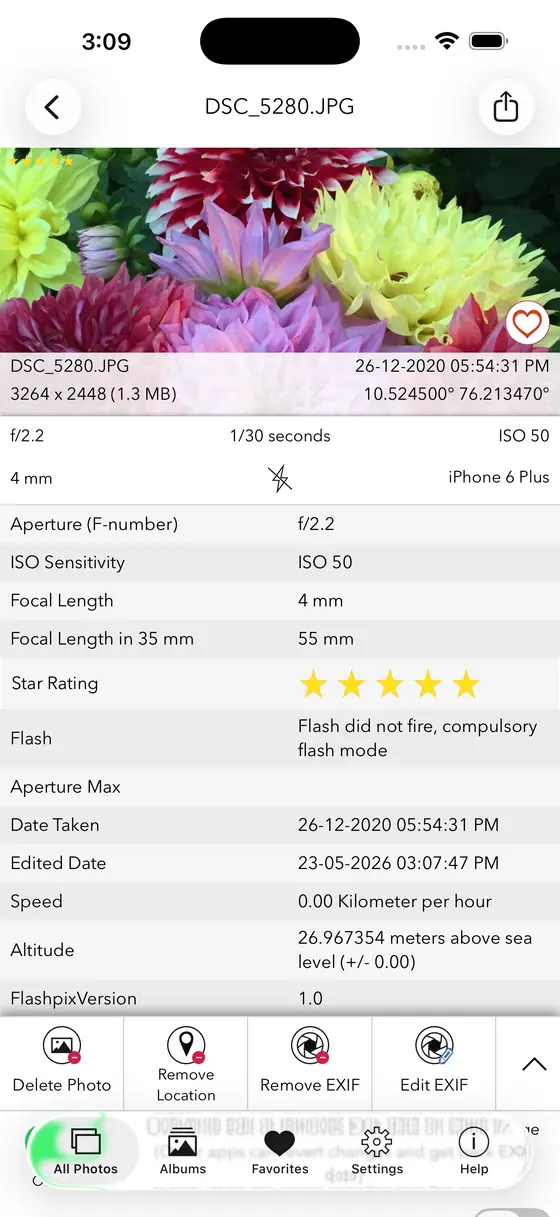
DetailThe full readout for one photo
-
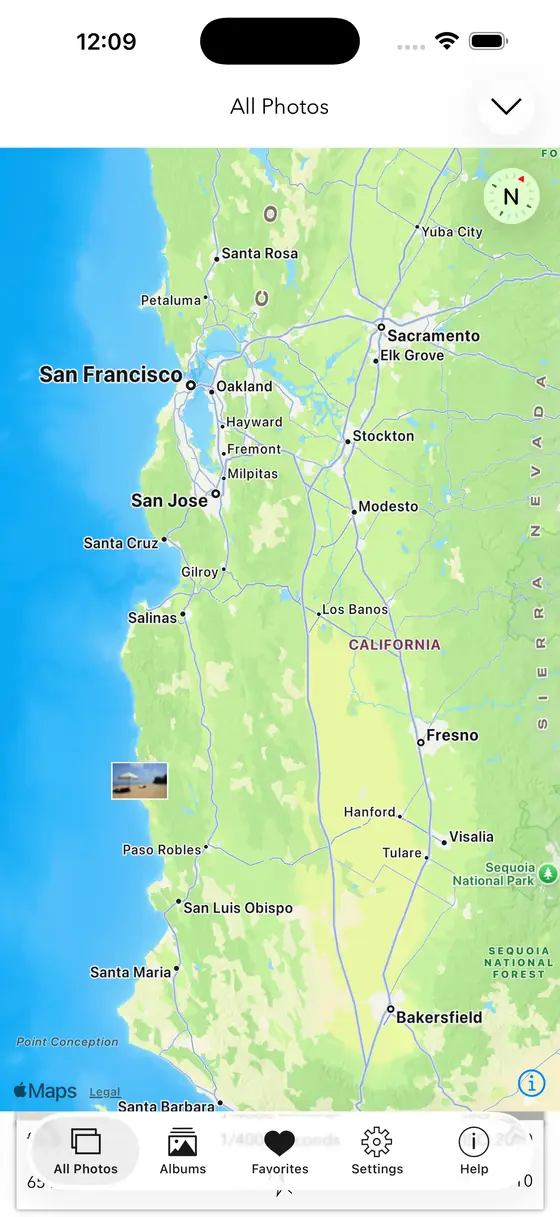
MapEvery geotagged shot, plotted
-
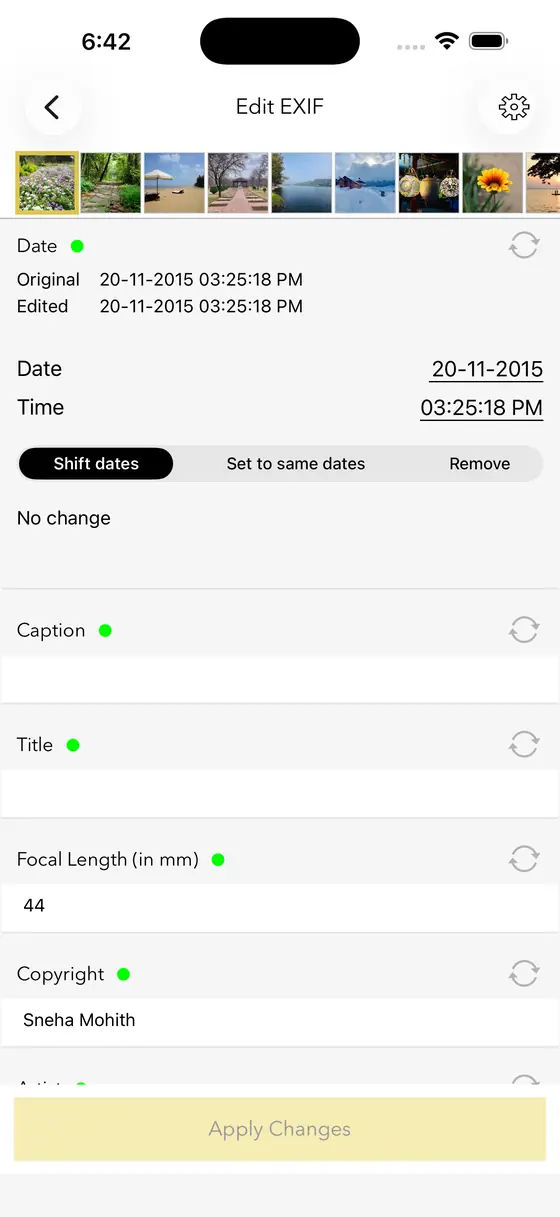
EditChange a value or clear it
-
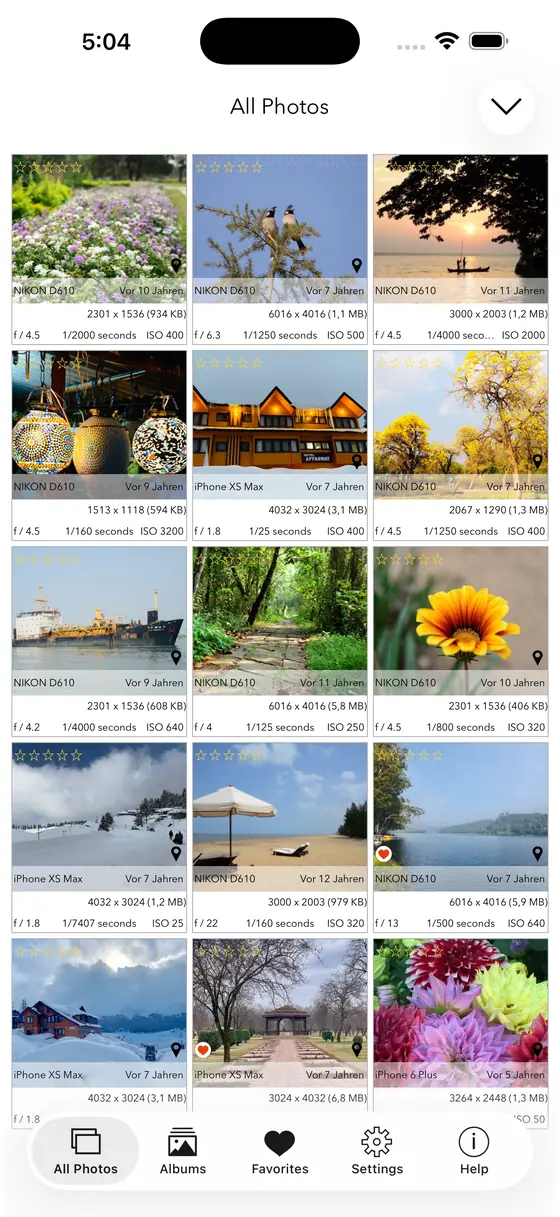
GridBrowse the library as a grid
-
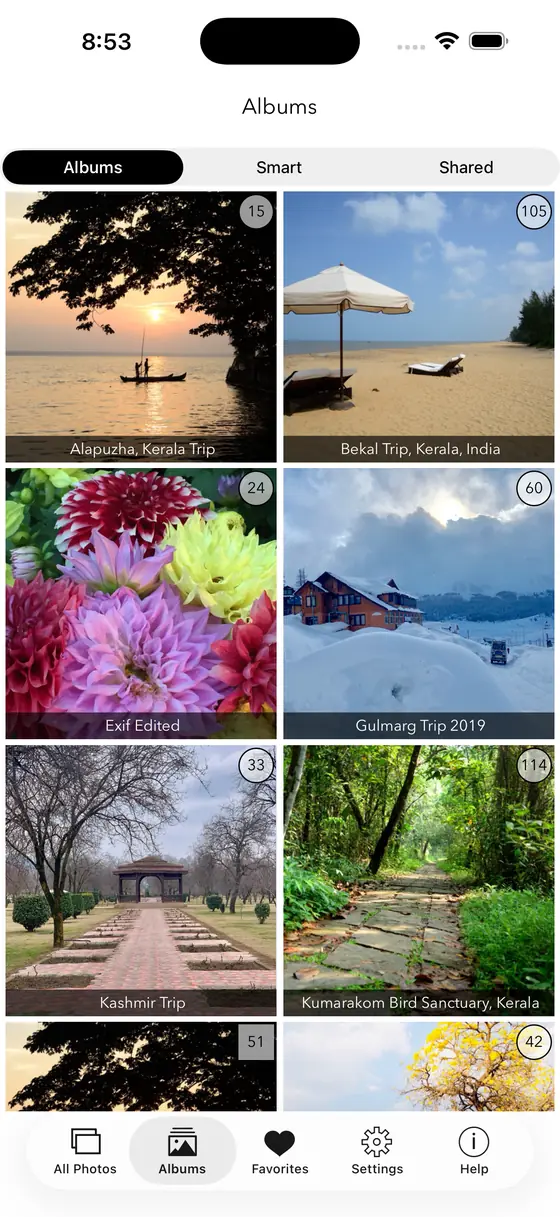
AlbumsStraight into your albums
-
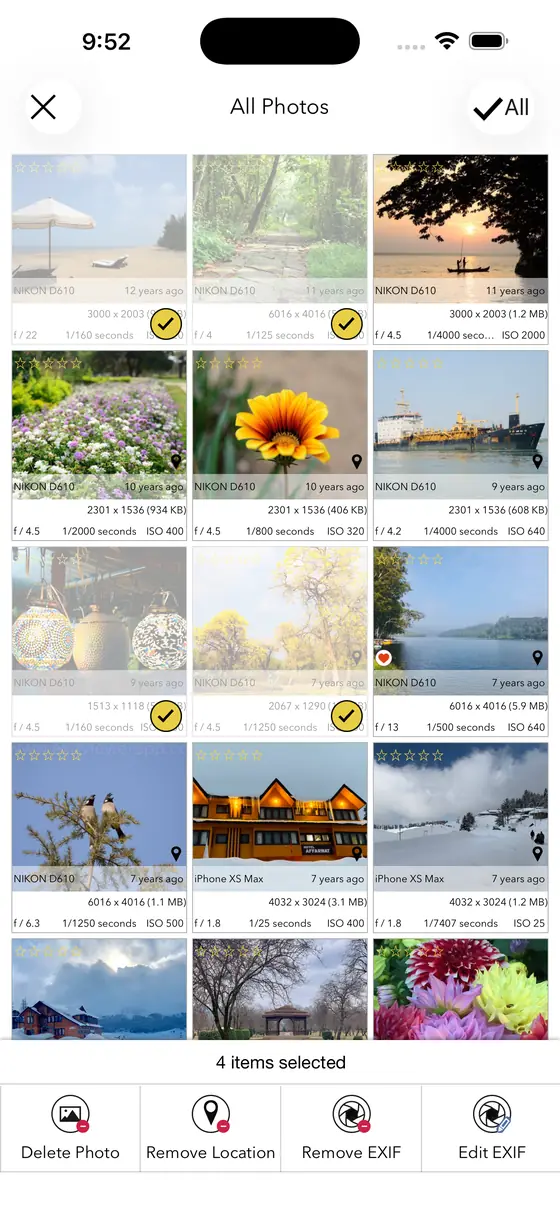
BulkSelect many, edit once
-
ExtensionInside the Photos app
-
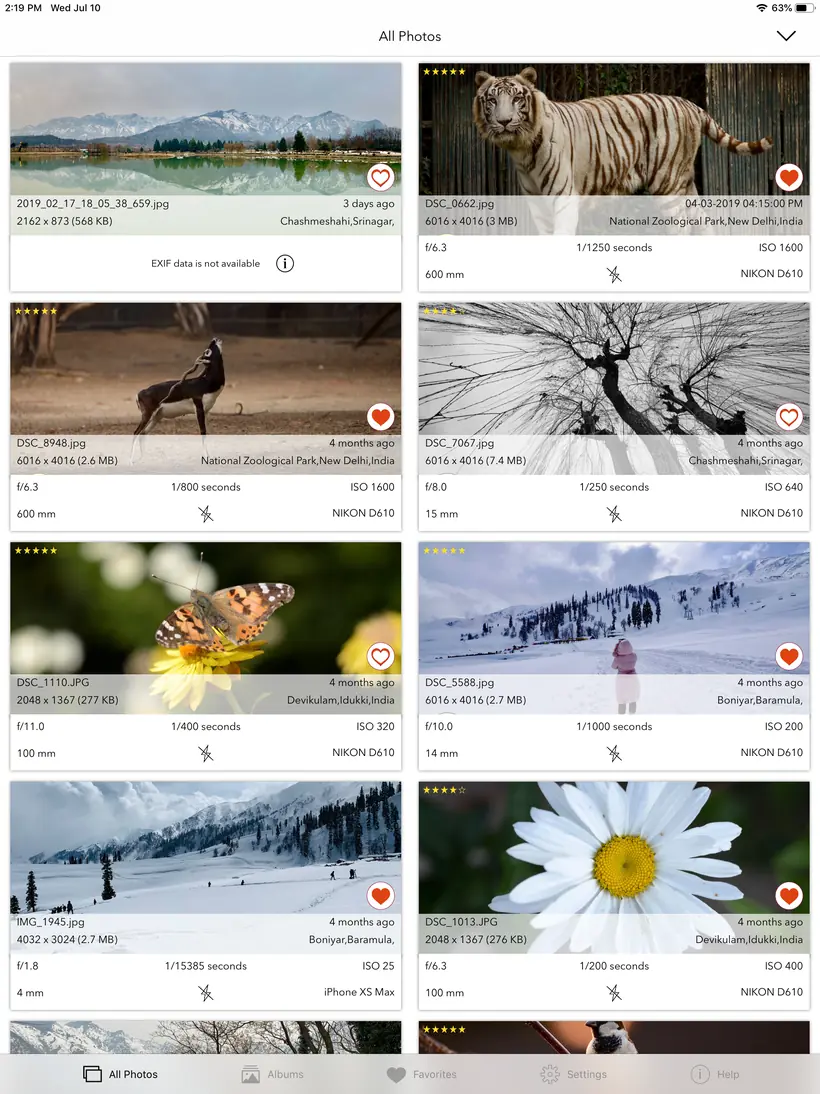
iPadMore of the library at once
What it does
- Full EXIFISO, shutter speed, aperture, focal length, camera and lens model, timestamp
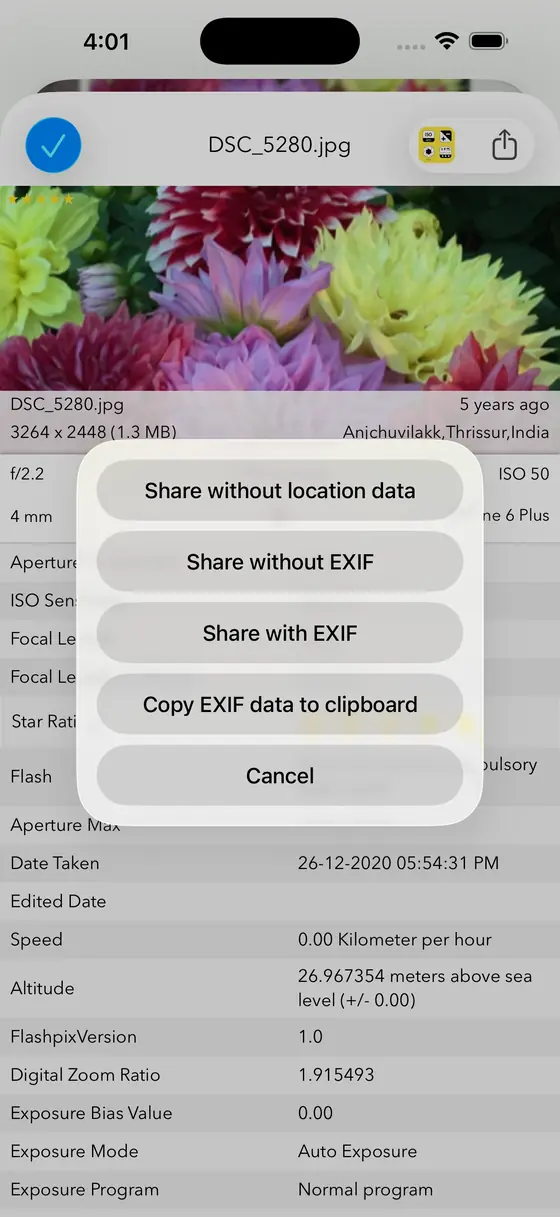
- Remove metadataStrip EXIF and geotagging before you share a photo
- Bulk editChange or clear metadata across many photos in one pass
- Map viewEvery geotagged photo you own, plotted on a map
- Three view modesCards, Grid and Map
- Share either waySend a photo with its metadata, or without
- Photos extensionRead and edit without leaving the Photos app
- iMessage appCheck a photo’s data straight from a conversation
Questions
Can I edit metadata on many photos at once?
Yes. Bulk edit changes or clears metadata across many photos in a single pass, so you can retag or strip a whole shoot without opening each file. It handles images up to 80 MB.
Will removing EXIF hurt my photo quality?
No. Metadata is stored alongside the picture, not inside the pixels, so removing it does not change how the photo looks. What you lose is the information about the photo — camera, lens, settings, date and the GPS coordinates. That last one is usually the point.
Does it work without an internet connection?
Yes. Everything happens on your device. There is no account, no server and no analytics on your library.
Is there a free version?
EXIF Viewer LITE is free and covers the basics. The full app adds editing, bulk editing, the map view and the Photos extension.
Read all 619 five-star reviews
$2.99one-time · no subscription